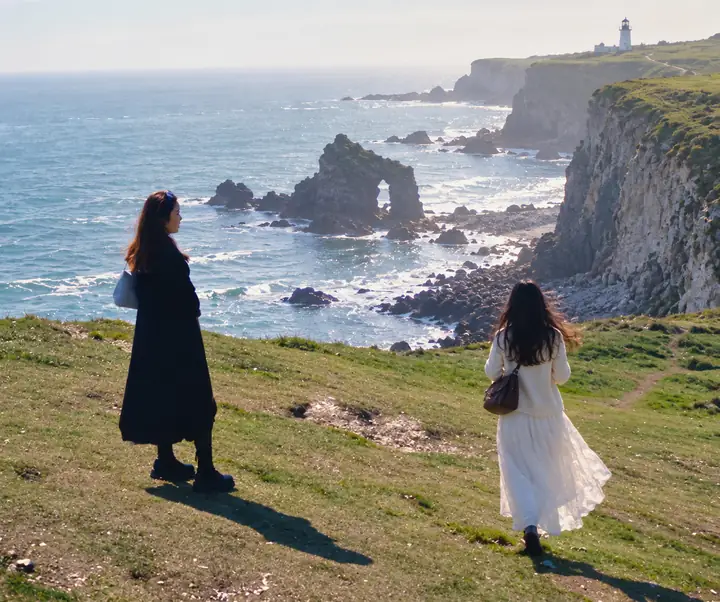
Portraits & selfies
Clear background distractions
AI Photo Object Remover
Explore photo cleanup for portraits, landscapes, product shots, screenshots, and more.
Clear background distractions

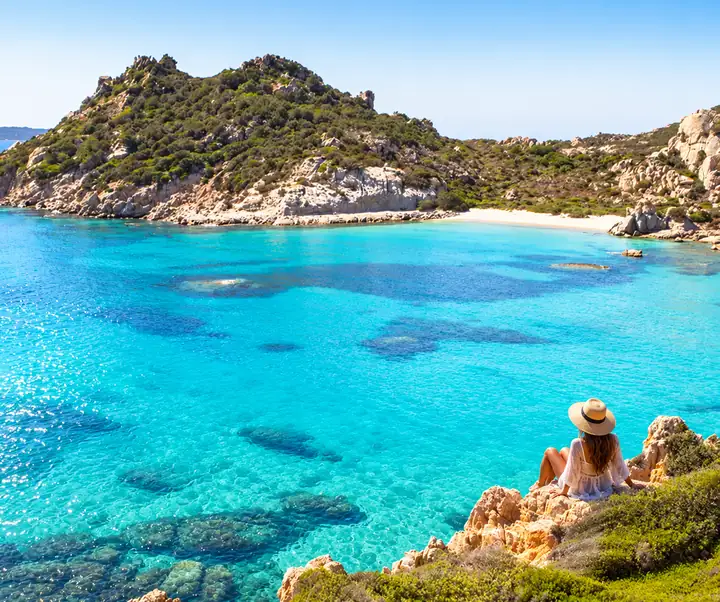
Clean up clutter in scenic shots
Remove unwanted props or marks

Clear text and overlays

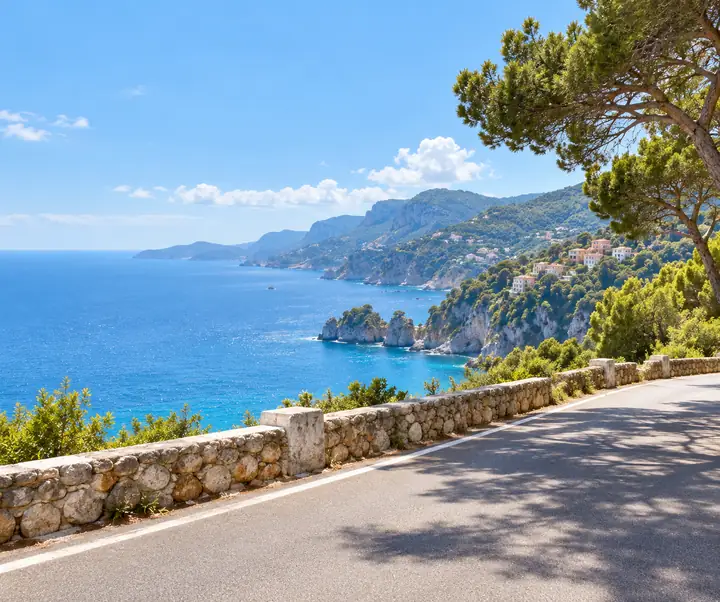
Prepare a cleaner image to share
A great shot can have one small distraction. Mark the object, line, or bit of clutter you want to change and continue to an image editor to work on the surrounding scene. For more detailed touch-ups, describe the result you have in mind before you begin.

Whether someone walks into a portrait or a crowd draws attention from a vacation view, background cleanup helps you focus on the subject. Describe who should remain and which parts of the street or landscape you want to preserve.
Marks, dates, and logos can distract from an image you are authorized to edit. Bring your own content to the editor and describe the area that needs cleanup. Check the finished image carefully, especially where a mark crosses fine details or a busy background.


Old date stamps, captions, and stickers can get in the way of a photo. Identify the writing you want to address and include details about the sand, sky, wall, or other texture behind it so the edit stays focused on the right area.
Preparing a product listing or refreshing your own marketing material? A small graphic can pull attention away from the product. Describe the mark to remove and the surrounding surface to keep, then review the result before you use it.

Start with your image and a clear idea of what you want to change.
Continue to the editor and add the photo you want to work on.
Point out the people, text, or objects that need attention.
Review how the edited area fits its surroundings.
Keep the version that works best for your photo.

A few ways photographers and creators think about cleaner images.
“I had a lovely property shot, but one object near the curb drew my eye. Cleaning up details like that makes the composition feel much more intentional.”
Marcus T.
Property photographer
“Travel photos are easier to enjoy when the place is the subject. I like being able to identify the background distractions before making an edit.”
Sarah J.
Travel creator
“For product photos, little marks and stray props matter. A clear description of what should stay is just as useful as saying what should go.”
David L.
Shop owner
“Sometimes I just want a fresh version of an image without the old caption. Starting with a simple edit request makes that task easy to explain.”
Elena R.
Social media creator
“When I edit a landscape, I pay close attention to the sky and the edges around anything removed. Those small details make the picture feel right.”
Kevin P.
Photography hobbyist
Answers to common questions about planning and reviewing a photo edit.
Image editing tools can use the surrounding colors and textures as context when filling an area. Always inspect the result, particularly around detailed edges.
You can describe the background people you want to address while specifying the main subject and scenery you want to retain.
Available output sizes depend on the editor and your source image. Review the export options and the finished file before using it.
The controls on this page help you choose an edit. Continue to the linked editor to upload your picture and use its available tools.
Describe the text or mark and the background behind it. Only edit images and material you have permission to change.
This page is focused on image cleanup. Check the destination editor for its current media and editing options.
Common photo formats include JPG, PNG, and WebP. Confirm the formats accepted by the editor when you upload.
Be specific about the area to change and the details to preserve. Review fine textures, shadows, and edges after editing.
Read the destination editor’s current privacy information before uploading a personal or sensitive image.
Yes. Choose an example or continue to the editor from your phone, then check its available mobile controls.
Start with a photo and a clear idea of what you would like to change.
CONTACT US
Our Location
29 Mayflower Gardens, 31
Mayflower Place, Singapore 568894
How Can We Help?


